Outages
Broadband outages
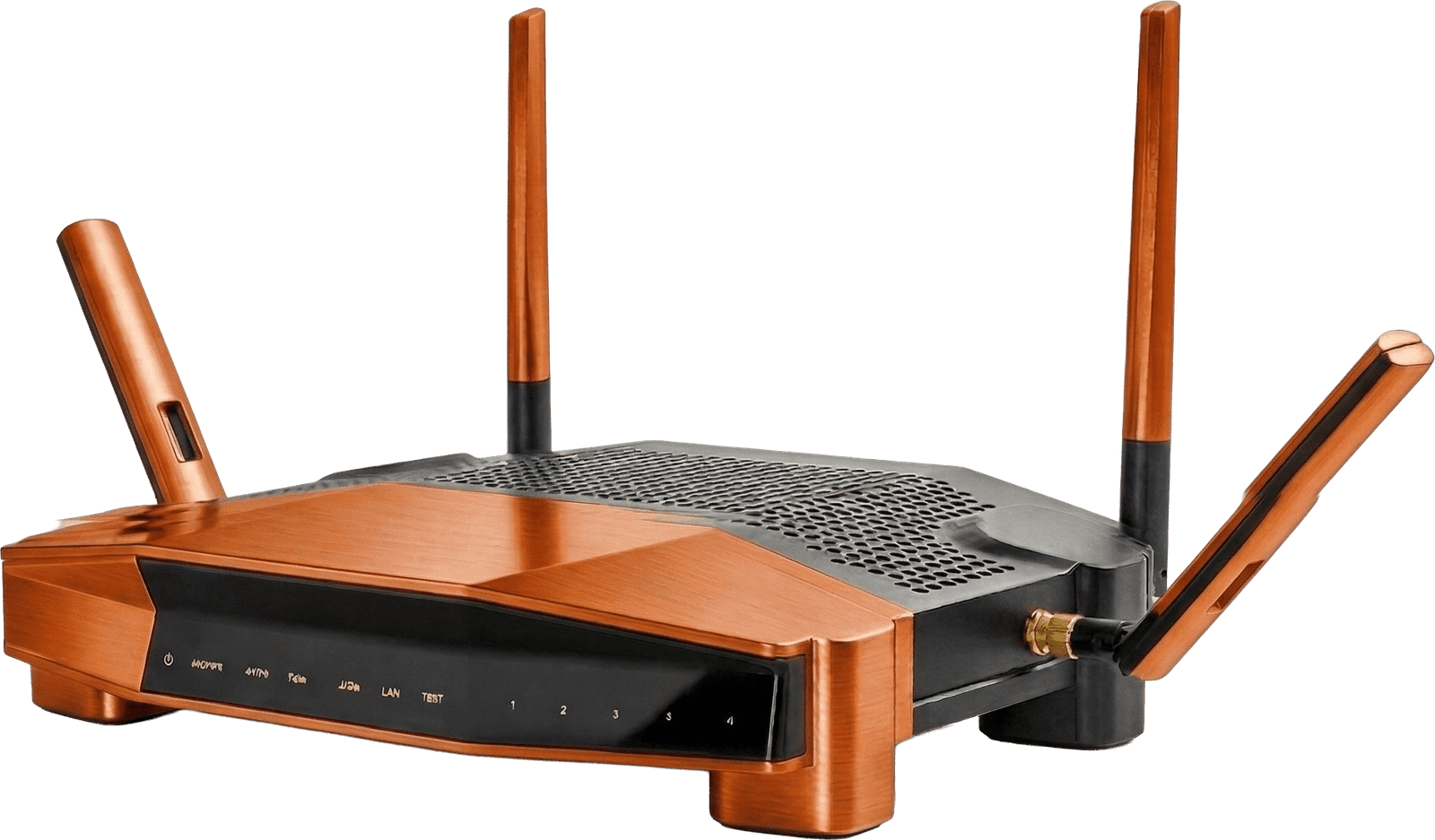
Broadband down? First check whether it's a national outage with your provider's status page, then check your router and the master socket. If your provider can't fix a fault within 30 days, you may be entitled to leave penalty-free.
Provider status pages
Quick-jump to each major UK provider's live status page.
Constantly losing connection? It might be time to switch.
Compare more reliable broadbandWhat Causes Broadband Outages?
Understanding the cause helps you know whether to wait it out or escalate.
Hardware Faults
Routers and modems can fail due to age, power surges, or wear. If only your home is affected, restart your router by unplugging it for 60 seconds. This resolves around half of all home connection issues.
Damaged Cables or Lines
Underground cables can be cut during roadworks or damaged by severe weather. When the fault is on the external line, you cannot fix it yourself, your provider needs to send a network engineer.
Scheduled Maintenance
Providers sometimes take part of their network offline to carry out upgrades. They are supposed to notify you in advance via email or account messages, check these first if your service drops unexpectedly during the day.
Network Congestion
During peak hours — typically 7pm to 10pm on weekdays — heavy traffic can slow things down significantly and occasionally cause full dropouts. This is more common on older FTTC connections than on full fibre.
Extreme Weather
Storms, flooding, and lightning strikes can damage cables, street cabinets, and exchange equipment. Weather-related outages can last several days if infrastructure damage is extensive. FTTC copper networks are more vulnerable than full fibre.
How Long Do Broadband Outages Last?
Duration varies widely depending on the root cause: here is what to expect.
← Swipe to see all columns →
Broadband Outage Compensation: What You Are Owed
15m
UK adults experienced an outage of 3+ hours in the past year
Ofcom Connected Nations 2025
£9.76/day
Automatic compensation from day 3 of an unresolved fault
Ofcom Automatic Compensation Scheme, all major UK providers
£30.49
Payment per missed or cancelled engineer appointment
Applies when engineer cancels with less than 24 hours notice
30 days
After which you can exit your contract penalty-free
If your provider has not resolved the fault within 30 days of reporting
What to Do During a Broadband Outage
Follow these steps in order to diagnose the problem and protect your compensation rights
Check Your Router and Home Setup
Restart your router first, unplug from the wall for 60 seconds. Check the WAN or broadband light: red or off means the line is the issue, not your device. Try a second device and plug directly into the master socket to rule out internal cabling faults.
Check Your Provider's Status Page
Use mobile data to visit your provider's service status page (links in the table above) or check Downdetector.co.uk. If there is a known outage in your area, your provider is already aware, no further action needed until it is resolved.
Report the Fault Formally
If no outage is listed on the status page but your connection is still down, report the fault through your provider's website or app. This creates a reference number and starts the 2-day clock for Ofcom's automatic compensation scheme. Keep a note of the time and date you reported it.
Consider Switching if Outages Are Recurring
A single outage is normal. But if you have had three or more in six months, consistently slow speeds, or your provider regularly takes over 48 hours to resolve faults, Switch can show you more reliable alternatives at your postcode, including whether full fibre has now reached your street.
Broadband outages: questions
How do I check if there is a broadband outage in my area?
Use your mobile data to visit your provider's service status page (linked above). You can also check Downdetector.co.uk, search your provider's name and it will show a real-time map of reported problems. Your provider's Twitter/X account is often updated first during major outages.