Speed test
Broadband speed test
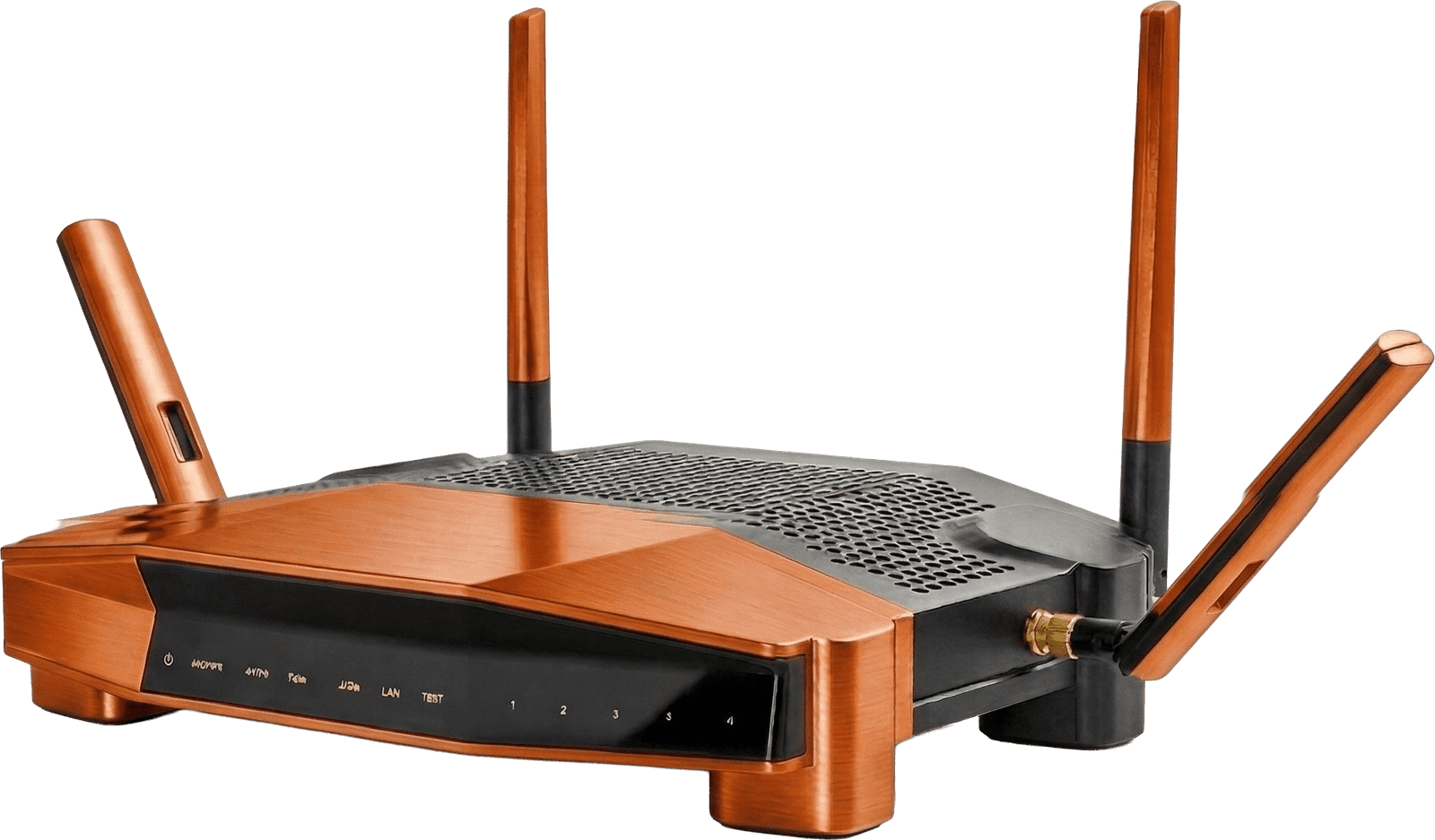
Run a free broadband speed test to measure your real download, upload and latency. If your speeds are below what you pay for, you may have grounds to leave your contract penalty-free under Ofcom's code of practice.
Speed test
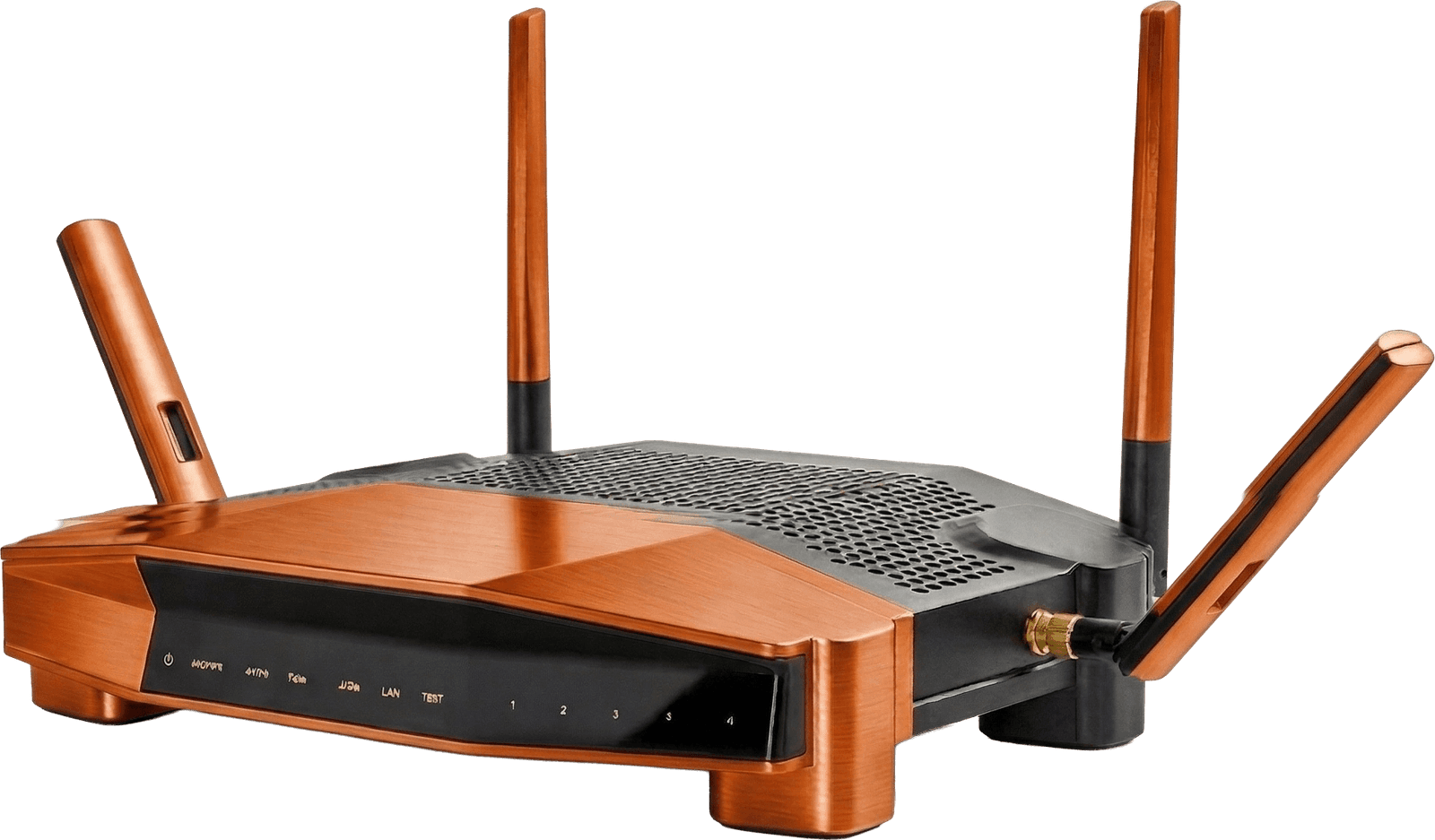
Run a quick broadband speed test with fast.com or speedtest.net, then come back to compare faster deals if you're not getting what you pay for.
Compare faster broadbandHow to run an accurate speed test
A few small things make the difference between a reading you can trust and a misleading one.
Plug into the router
Wi-Fi adds its own bottleneck. For a true line speed, connect a laptop to the router with an ethernet cable before you test. Then test again on Wi-Fi to see what the air is costing you.
Pause everything else
Streaming, big downloads and cloud backups all eat bandwidth. Close them on every device, including phones and TVs, so the test has the line to itself.
Test a few times
Speeds vary through the day. Run the test in the morning and again at peak time (8pm to 10pm), when the network is busiest, and compare. One reading is a snapshot, not the full picture.
Note the three numbers
Write down download, upload and ping each time. If they fall well short of your plan at peak time, that is the evidence you need to raise it with your provider.
What the numbers actually mean

Download speed
How fast data reaches you, in Mbps. It governs streaming, browsing and downloads. The number most plans advertise.

Upload speed
How fast you send data out. It matters for video calls, cloud backups and livestreaming. Usually far lower than download on part-fibre lines.

Ping (latency)
The delay before data starts moving, in milliseconds. Lower is better. Under 20ms feels instant; gamers and video callers feel anything above 50ms.

Jitter
How much your ping wobbles. Steady is good. High jitter is what makes calls stutter even when the headline speed looks fine.
How much speed does your home need?
A rough guide by household size and how you use the internet. When in doubt, size up a little.
← Swipe to see all columns →
Why your broadband might be slow (and what to try)
Wi-Fi, not the line
Thick walls and distance from the router cut speed sharply. Move closer, or add a mesh system or powerline adapter before you blame the provider.
An ageing router
Routers more than a few years old often cap modern speeds. Ask your provider for the latest model, or buy your own.
Too many devices at once
Every phone, TV and smart speaker shares the line. Peak-time contention is normal on part-fibre; full fibre handles it far better.
You are on an old part-fibre line
FTTC tops out around 80 Mbps because the final stretch is copper. If full fibre (FTTP) has reached your street, switching to it is the single biggest upgrade you can make.
Broadband speed test: questions
Why is my broadband slower than advertised?
Most providers quote average speeds at peak times (8–10pm). Slower-than-quoted speeds usually come from Wi-Fi range, household device contention, or a faulty router. Test wired into the router first to rule out Wi-Fi.