Your PUK code is on the plastic card your SIM came out of, or in your network's app or online account. You need this 8-digit code the moment your phone locks you out after three wrong PIN attempts. This guide shows you exactly where to find your PUK code for every major UK network, how to enter it correctly, and how a PUK code differs from a PAC or a network unlock code.
What Is a PUK Code?
A PUK (Personal Unblocking Key) code is an 8-digit number your network assigns to your SIM card to unblock it after you enter the wrong PIN three times in a row. Every SIM has its own unique PUK, fixed at manufacture; you can't choose it or change it yourself, only your network can issue it.
Some networks refer to this code as a PUC (Personal Unblocking Code); the terms mean the same thing. A blocked SIM can't make calls, send texts or use data until you enter the correct PUK code and set a new PIN.
Why Does My Phone Ask for a PUK Code?
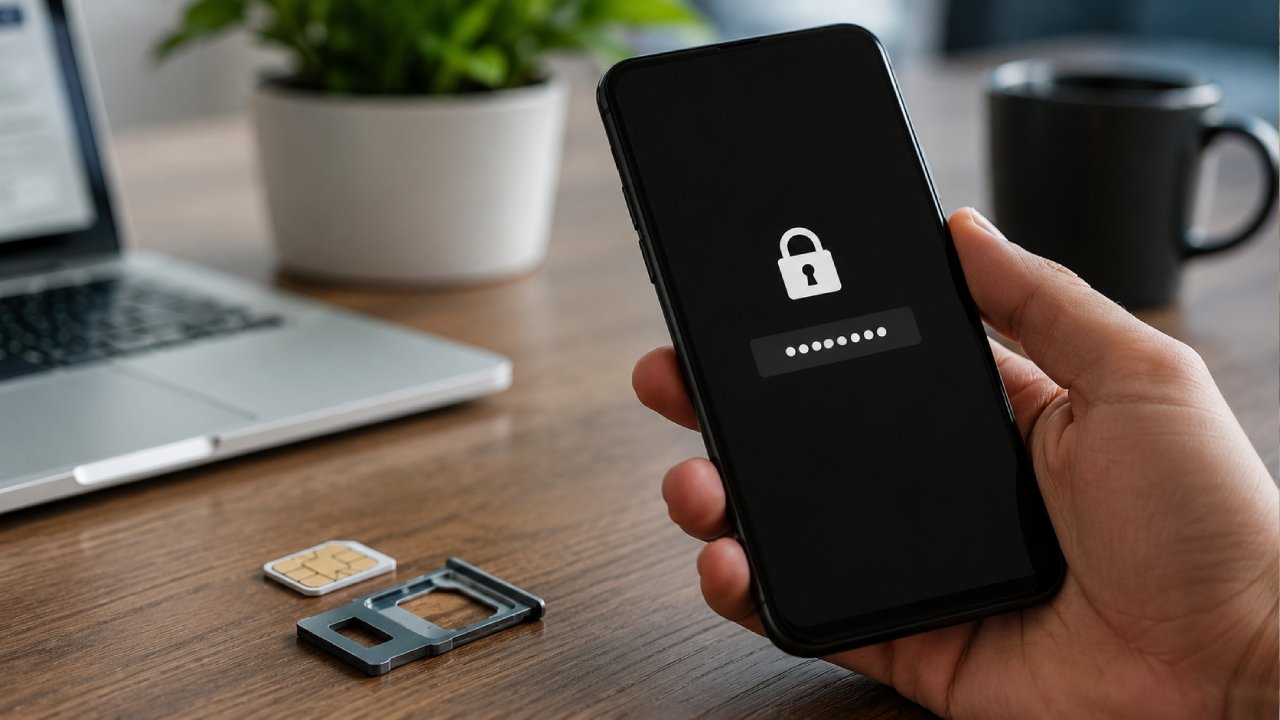
Your phone asks for a PUK code because you, or someone else using your phone, entered the wrong SIM PIN three times in a row. This safety feature stops thieves from guessing their way into a stolen phone, but it catches out genuine owners just as often.
Four situations trigger this most often:
A forgotten PIN: you set a SIM PIN months or years ago and no longer remember it.
A fresh SIM swap: you moved your SIM into a new phone and typed an old PIN out of habit.
Children or accidental taps: kids playing with an unlocked phone often trigger 3 wrong attempts within seconds.
A factory reset: restoring a phone to default settings can prompt a PIN check you weren't expecting.
Once your screen shows "SIM blocked" or "PUK required," you can't work around it by restarting or trying a different PIN. You need the exact 8-digit PUK code your network assigned to that specific SIM.
PUK vs PAC vs NUC: What's the Difference?
A PUK code unblocks your SIM card; a PAC code ports your number to a new network; a NUC code unlocks your handset from its current network. People mix these up constantly because all three involve a network-issued code, but each solves a completely different problem.
Code | Full name | What it does | Digits |
PUK | Personal Unblocking Key | Unblocks a SIM card after 3 wrong PIN attempts | 8 digits |
PAC | Porting Authorisation Code | Lets you keep your number when switching networks | 9 characters |
NUC | Network Unlocking Code | Unlocks a handset so it accepts SIMs from other networks | Varies |
If you're switching networks and keeping your number, text PAC to 65075 from the phone you're leaving behind. Ofcom rules require your current network to send the PAC within 60 seconds, and the PAC remains valid for 30 days. This is a completely separate process from finding your PUK code, so texting 65075 won't help if your SIM is already blocked and can't send texts.
Network locking has become rare. Ofcom banned UK networks from selling locked phones from December 2021 onward, so if you bought your handset after that date, you almost certainly don't need a NUC at all.
How to Find Your PUK Code
Check these four places, in order, before you call customer service.
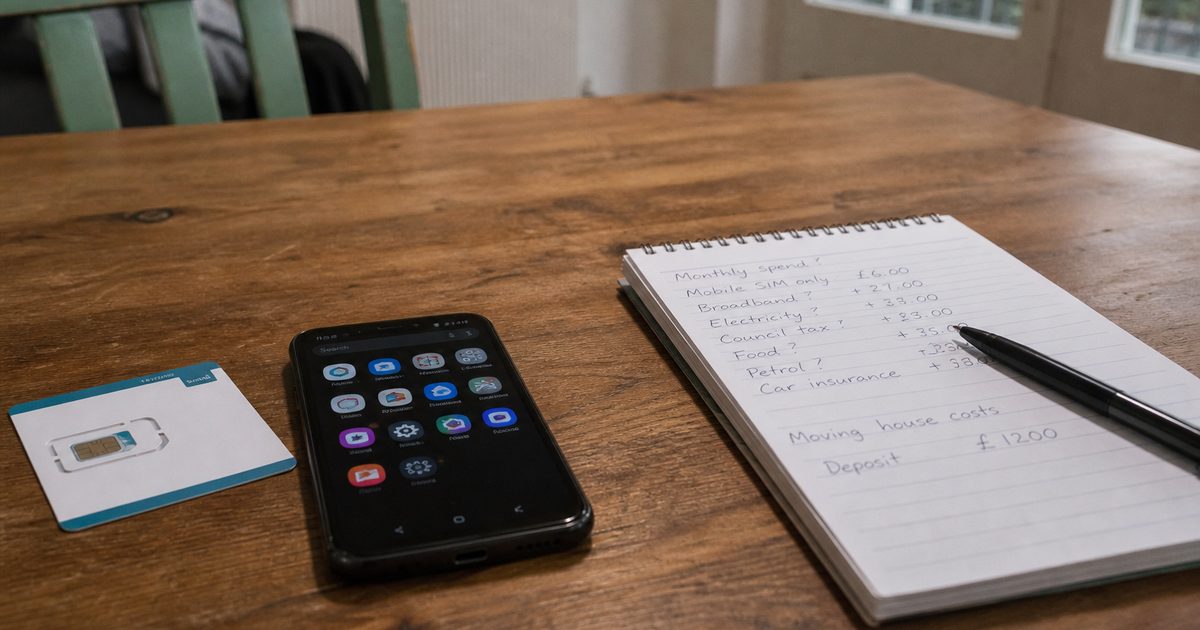
SIM card packaging: the 8-digit PUK number is printed on the plastic card your SIM snapped out of, usually next to the PIN.
Your network's app or account: O2, EE, Vodafone, Three, and giffgaff all show your PUK code once you log in and go to the SIM or device section.
Customer service by phone: every UK network can read your PUK code out or text it to a working phone once they verify your identity.
Live chat: most networks, including Three and Vodafone, offer live chat support that can retrieve your PUK code without a phone call.
Networks don't offer a text-a-shortcode service for PUK codes, unlike for PAC codes, because a SIM blocked by three wrong PIN attempts usually can't send or receive texts anyway. If your PUK request needs a text reply, use a different phone or your network's app instead.
How to Get Your PUK Code From Every UK Network
The exact steps to get a PUK code vary by network. Use the table below to find your provider and follow its specific process.
Network | How to get your PUK code |
O2 | Enter your mobile number on the O2 PUK page to have it texted to you, or log in to My O2 and go to My Device, then Device Details. You can also call the automated line and press 3. |
EE | Log into My EE, select Plans & Subscriptions, then Manage Mobile, scroll to Phones and Devices, and select Show PUK Code under Unlock Your SIM/eSIM. Or call 150 from an EE phone, or 07953 966 150 from any phone. |
Vodafone | Call 191 (0333 304 0191) and tell the advisor you need a PUK code, or check the SIM section of the My Vodafone app. |
Three | Call 333 from a Three phone (free on Advanced plans) or 0333 338 1001 from any other phone, or use Live Chat. |
Tesco Mobile | Dial *#06# to find your IMEI, then call 0345 301 4455, and Tesco Mobile texts your PUK code. It's also listed under Personal Details in the My Tesco Mobile app. |
giffgaff | Log into your giffgaff account and open the PUK Retrieval page. |
Lebara | Call Lebara customer service on +44 207 031 0791 and request your PUK code. |
Lycamobile | Check the SIM card holder first. If you no longer have it, call 020 7132 0322. |
How to Unlock Your Phone With a PUK Code
To unlock your phone with a PUK code, follow these four steps.
1. Wait for the PUK prompt. Your screen shows "SIM blocked, enter PUK" or a similar message after 3 incorrect PIN attempts.
2. Enter your 8-digit PUK code. Type it exactly as your network gave it to you, with no spaces.
3. Set a new PIN. Your phone asks you to create a new 4-digit PIN once the PUK code is accepted.
4. Confirm the new PIN. Enter the same 4-digit PIN again, and your SIM unblocks immediately.
Pick a new PIN you'll remember; avoid 0000 or 1234, since both are common default codes that offer little security.
Switching networks once your phone unblocks? Compare current deals in our SIM-only plans guide [/sim-only-deals-uk] before you commit to a new contract.
Does a PUK Code Cost Money?
No. Every major UK network, including O2, EE, Vodafone, Three, Tesco Mobile and giffgaff, gives out PUK codes free of charge, since the code already belongs to your SIM and simply needs confirming. Be wary of third-party websites that ask for payment or personal details to "unlock" your PUK code; your network is the only legitimate source, and it never charges for this basic security feature.
What Happens If You Enter the Wrong PUK Code Too Many Times?
Your SIM card locks permanently after 10 incorrect PUK attempts, and you'll need a replacement SIM from your network to use your phone again. This limit is fixed across all UK networks, including O2, EE, Vodafone and Three, so double-check each digit before you submit the code, and contact your network directly if two attempts fail, rather than continuing to guess.
Is a PUK Code the Same as a Phone Unlock Code?
No. A PUK code unblocks a SIM card after failed PIN attempts, while a phone unlock code (NUC) frees a handset from a single network, allowing it to accept SIMs from any provider. You might never need a NUC, even if you regularly need a PUK code, and the reverse is equally true. Confusing the two often sends people to the wrong support team, since SIM unblocking and handset unlocking are handled by separate departments at most UK networks.
If your handset itself is locked to a network rather than your SIM being blocked, read our full guide to unlocking your phone from any network [/unlock-phone-uk] for the complete process.
How to Avoid Getting Locked Out Again
Save yourself from repeating the search for your PUK code with three habits.
Store your PUK code somewhere safe. Photograph the SIM packaging or save the code in a password manager before you throw the card away.
Choose a memorable PIN. Pick 4 digits you'll recall without writing down, but avoid birth years and repeated digits like 1111.
Register for online account access. Set up My O2, My EE, My Vodafone, My3, or your provider's app now while your SIM is working, so you can retrieve your PUK code instantly if you ever need it again.
PUK Code FAQs
What is a PUK code?
A PUK code is an 8-digit Personal Unblocking Key that your network issues to unlock a SIM card after 3 incorrect PIN attempts. You'll find it on your original SIM packaging or inside your network's app.
How do I get a PUK code via text message?
No. UK networks don't send PUK codes by text on request, since a blocked SIM usually can't receive texts either. Some networks, including Tesco Mobile, text your PUK code to a different working phone once you've verified your identity by phone.
How can I find my PUK code online?
Yes. Log in to your network's account or app, such as My O2, My EE, My Vodafone, or My3, and look under the SIM, device, or unlock section. O2 also lets you enter your mobile number on its PUK page to have the code texted to another phone.
Is there a limit to how many times I can enter my PUK code?
Yes. Every UK network allows up to 10 attempts before permanently locking your SIM card. Contact your network after 2 failed attempts rather than keep guessing, since a permanently locked SIM requires a full replacement.
What is the difference between a PUK code and a PIN?
Your PIN is a 4-digit code you set yourself to lock your SIM day-to-day, while your PUK code is a fixed 8-digit code your network assigns, which you use only to recover access after 3 wrong PIN attempts.
Can I unlock my SIM without a PUK code?
No. Only the correct PUK code unblocks a SIM after 3 failed PIN attempts; no reset button, factory reset, or third-party tool can bypass this security feature. Contact your network directly for your code rather than using unofficial "PUK recovery" websites, which charge fees for information your network gives you for free.
Does every SIM card have a PUK code?
Yes. Every SIM card manufactured for use in the UK carries a unique PUK code, whether or not you ever set a PIN. You'll only need the code if you set a PIN and later enter it incorrectly 3 times.