Last updated: 11 November 2026 (Europe/London).
The broadband you can get depends on your street. A deal that looks brilliant may not reach your home. The quickest way to sort it out on Switch is to use two tools together. Squid AI, our free AI deal finder, builds a shortlist based on speed and budget. Then our postcode checker shows what’s actually available where you live.
If the button doesn’t open the chat, tap the purple Squid AI chat bubble in the bottom corner of the page, or Ask Squid AI in the top menu.
We may earn a commission if you buy through some links on this page. It never changes the price you pay.
What Squid AI does, and what it doesn’t
We want to be upfront. Squid AI can’t check exactly which providers reach your address. It says so itself if you ask. What it does well is explain your options in plain English. It can tell you which providers are regional and which are national, which speed suits your household, and which deals in our list fit your budget.
Step by step: from shortlist to your postcode
Step 1: Ask Squid AI for a shortlist
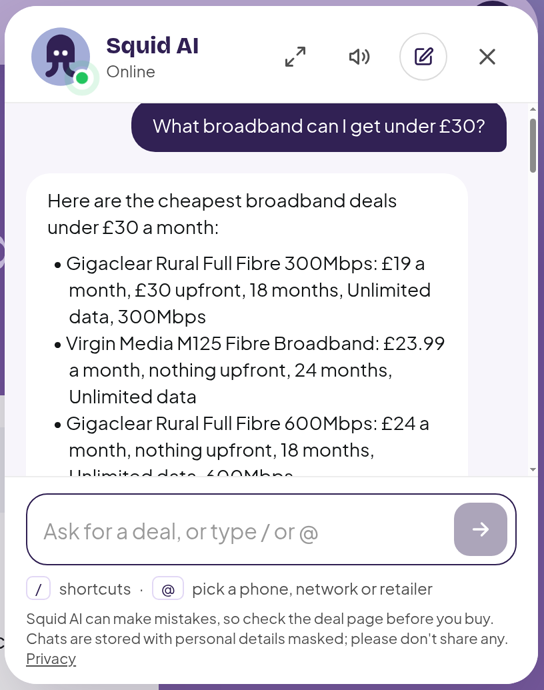
Open Ask Squid AI and tell it what matters: "Fast broadband under £30 for a family of four who stream". Or use the shortcut /broadband 500Mbps under £30.
Step 2: Ask follow-up questions
Try "Is full fibre better than cable?", "Do I need a landline?" or "Which of these has the shortest contract?". Squid AI remembers the chat, so you don’t have to repeat yourself.
Step 3: Check your postcode
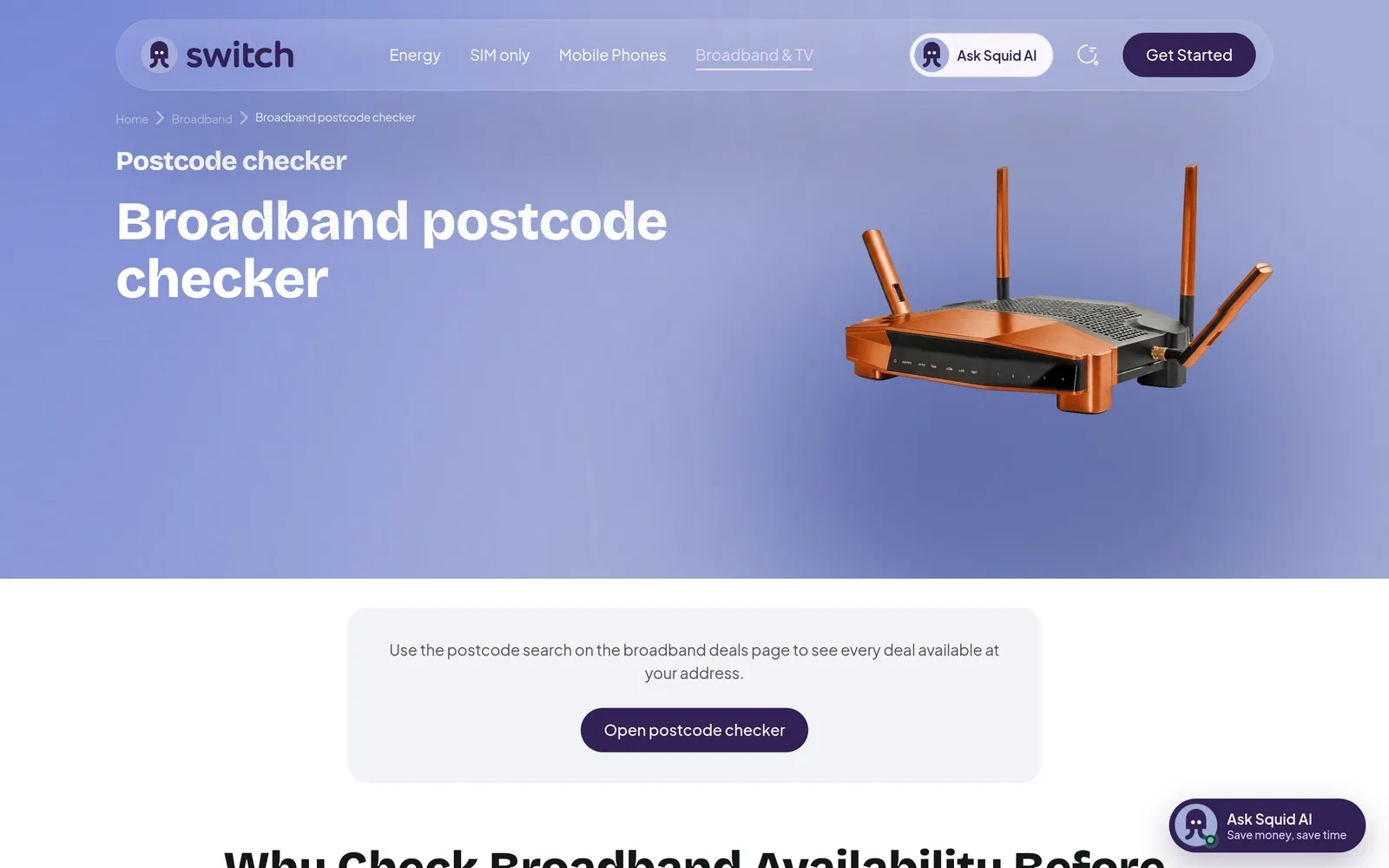
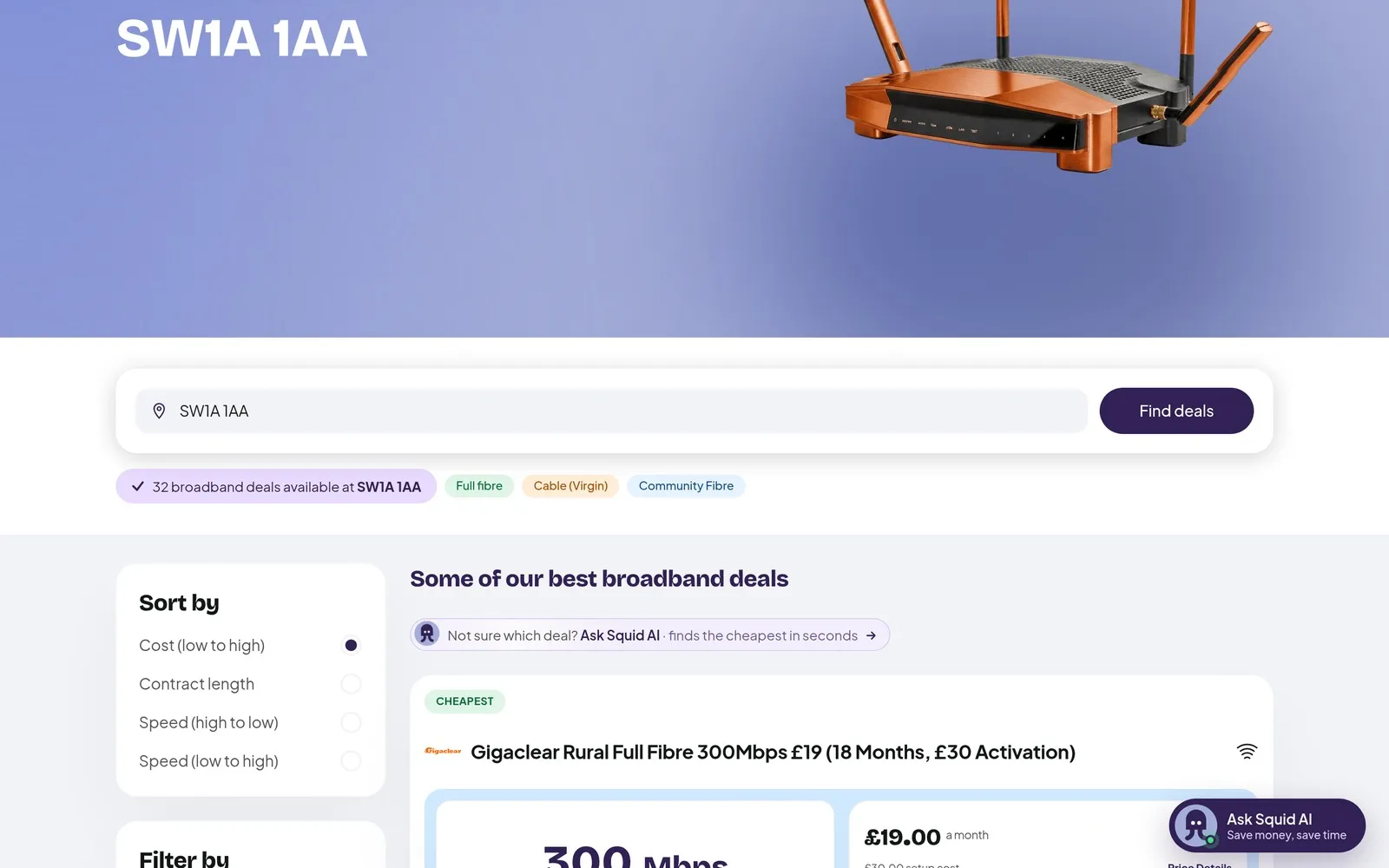
Go to our broadband postcode checker and enter your postcode to see what’s on offer at your address.
Step 4: Confirm with the provider
When you open a deal, the provider checks your exact address at sign-up. That’s the final word on speed and availability.
Which speed do you need?
Household | Typical speed to ask for | Try asking Squid AI |
|---|---|---|
1–2 people, browsing and HD streaming | Around 50–100Mbps | "Cheapest broadband around 70Mbps" |
Family, several 4K streams | Around 200–500Mbps | "/broadband 500Mbps under £30" |
Home workers, big uploads, gamers | Full fibre 900Mbps or more | "Best full fibre 900 deal" |
Rural homes | Whatever full fibre reaches you | "Which providers cover rural areas?" |
Want to look around first? You can browse all the broadband deals we list and filter them by speed and monthly price.
Tips
Look at the total cost. Setup fees and price rises add up over 18–24 months.
Check your end date. If you’re out of contract you’re probably paying too much.
Ask about social tariffs. If you get Universal Credit or certain other benefits, ask Squid AI about cheaper social tariffs.
Run a speed test. Our speed test shows what you get now, so you can compare.
If the button doesn’t open the chat, tap the purple Squid AI chat bubble in the bottom corner of the page, or Ask Squid AI in the top menu.
An example chat
You type: "We’re a family of four, two of us work from home, and we stream in the evening. Budget is £35."
Squid AI suggests a speed range and the deals in our list that fit, and explains why upload speed matters for video calls.
You ask: "Which of those are full fibre?" and it narrows the list.
You ask: "Is my postcode covered?" and it explains which are regional networks and which are national, then points you to the postcode checker.
You check your postcode, then open the deal that’s available at your address.
Understanding regional providers
Some of the best-value full fibre in the UK comes from regional networks that only cover certain towns or rural areas. National providers, which run over the Openreach or Virgin Media networks, reach many more homes. Squid AI can explain which is which. Only a postcode check tells you what you can actually order, though, which is why we suggest using both tools.
Common mistakes
Paying for speed you don’t need. A couple who browse and stream in HD rarely need gigabit speeds.
Forgetting upload speed. Video calls, gaming and cloud backups need decent upload. Full fibre usually wins here.
Staying out of contract. Prices often rise once your minimum term ends, so check your end date.
Not checking the router. Ask Squid AI what router comes with a deal if Wi-Fi coverage matters to you.
Why use Squid AI alongside the postcode checker?
A broadband table shows you every package, but it can’t tell you which ones make sense for your household. Squid AI lets you start with how you actually use the internet, for example "two of us work from home and the kids game online", and it suggests speeds and packages from the broadband deals listed on Switch. It explains the trade-offs too, such as full fibre versus cable, contract length and set-up fees. Then the postcode checker tells you what’s really available on your street. Using both saves you falling for a deal that doesn’t reach you.
It’s free, there’s no sign-up, and your chat stays put if you close the panel and reopen it in the same browser session. Tap the pencil icon to start again.
Frequently asked questions
Can Squid AI check my postcode?
Not yet. It can explain which providers are likely to cover your area. Use our postcode checker for availability, and the provider confirms your exact address at sign-up.
Is Squid AI free?
Yes, it’s free with no sign-up. Open it from the top menu on any page.
Why do some cheap deals not show at my address?
Some of the cheapest providers only build networks in certain regions. National providers reach more homes. That’s why it’s worth checking your postcode before you get your heart set on a deal.
Which is better, full fibre or cable?
Both can be very fast. Full fibre usually gives faster uploads and is more reliable. Ask Squid AI to compare them for how you use the internet.
Do I need a landline for broadband?
Most full fibre deals don’t need one. Ask Squid AI "broadband without a landline" to see options in our list.