
Last updated: Friday 18 September 2026 (Europe/London).
Next update: when Ofcom revises One Touch Switch consumer guidance or major alt-nets change install rules.
By: Switch Editorial Team, Switch Squid Ltd
One Touch Switch (OTS) means you only contact the broadband provider you want to join — they manage the switch with your old provider. Under Ofcom’s rules you should not pay notice-period charges beyond the switch date, you get Switching Information (including early-termination charges) before you consent, and you can claim compensation if you are left without service for more than one working day.
This page explains One Touch Switch broadband UK in plain English, then links to BT Full Fibre deals so you can act once you know the process. To compare more providers, use our broadband comparison page.
BT Full Fibre 150 — £23.99 a month, £0 activation
- Full Fibre 150 for £23.99 a month on a 24-month contract, rising to £27.99 from March 2027 and £31.99 from March 2028, on BT’s offer page when we checked on 25 October 2026
- £0 activation, plus up to £300 towards your old provider’s leaving fees, paid as bill credit
- Main limitation: this price is for Full Fibre 150 and full fibre must reach your address; check BT’s page if you want a faster speed. We may earn a commission if you buy through our links; it doesn’t change the price you pay.
What One Touch Switch changed
Before OTS, cross-network moves (for example Virgin coax to an Openreach or alt-net full-fibre provider) often meant calling the losing provider yourself to cancel and hoping the stop/start dates lined up. Ofcom’s One Touch Switch process — explained on Ofcom’s switching pages — puts the gaining provider in charge: you order once, they match your account via the industry hub, your current provider sends Switching Information, and you expressly consent before the migration order is placed.
Same-network migrations on Openreach already had gaining-provider-led switching for years. OTS extends the “one conversation” idea across networks so alt-nets and cable can compete without a paperwork maze.
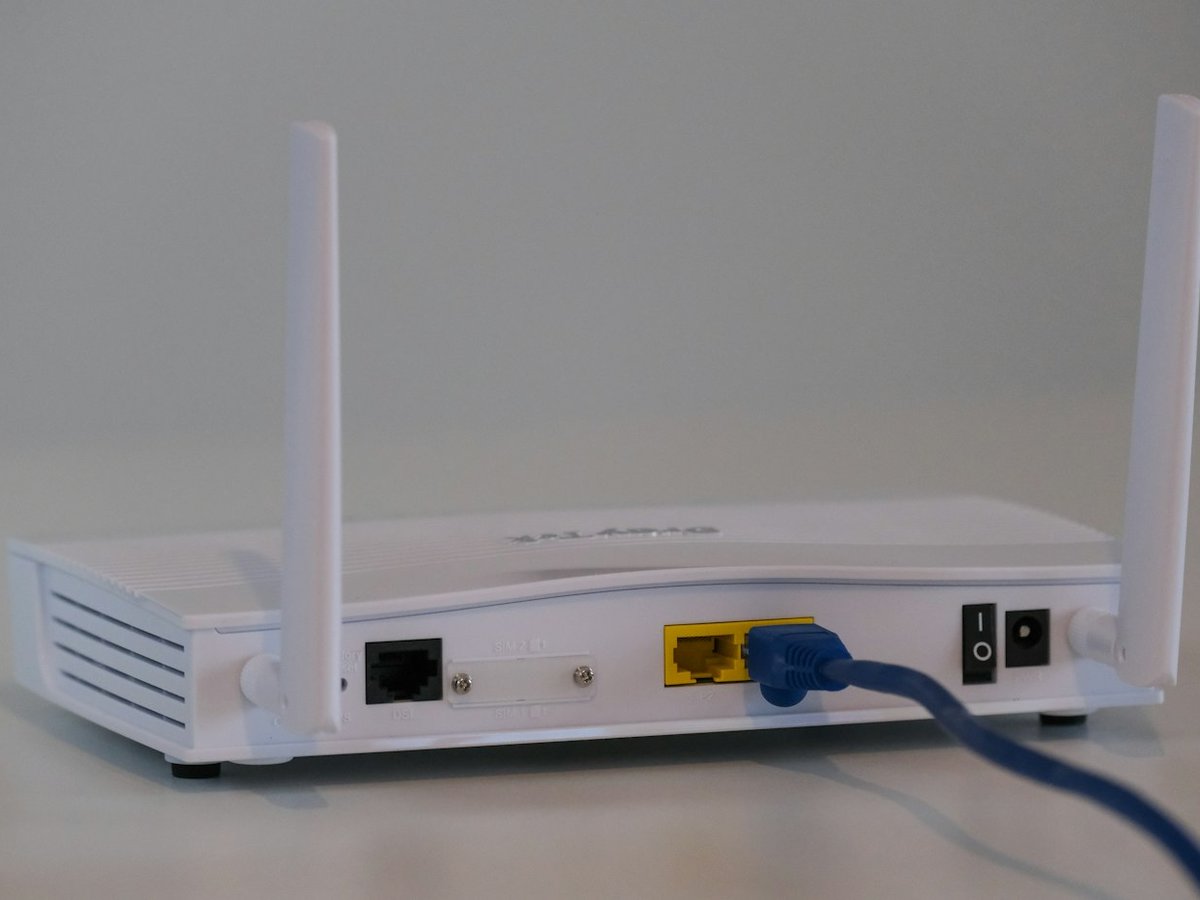
Step-by-step: how a residential OTS switch works
Pick the new provider and package after a postcode check. Availability still rules — OTS does not create fibre where none exists.
Place the order online or by phone. Give your name, address, current provider and the services you want to move (broadband, landline, or both).
Read the Switching Information from your current provider. It should spell out early-termination charges, kit return rules, and what happens to bundles (TV, landline, mobile discounts).
Give express consent to the gaining provider to proceed. No silent opt-in.
Agree a switch / activation date. Your new provider confirms install needs (engineer, drill, new router).
Activation day: new service starts; old service ceases automatically. You should not keep paying notice beyond that date under Ofcom’s OTS rules.
Ofcom also reminds customers of a 14 calendar day right to cancel the new order. If service has already started you may still owe for usage and install costs; the old service is not automatically reinstated.
Fees you might still pay (honest list)
Charge type | OTS position (Ofcom rules) | What to check |
|---|---|---|
Notice beyond switch date | Should not apply under OTS | Switching Information + final bill |
Early termination charges | May still apply if in contract | Exact £ on Switching Information before consent |
Engineer / install | Provider-specific | Order summary on gaining provider |
Router / kit non-return | Losing provider rules | Return window and packaging |
Failed-switch compensation | If left without service >1 working day | Ofcom switching rights guidance |
Choose Hey!Broadband with £100 bill credit for One Touch Switch
- £100 bill credit when you use One Touch Switch at checkout, on 24-month contracts, when we checked Hey!Broadband’s site on 26 October 2026
- 150Mbps full fibre at £23 a month until April 2027, then £25 from April 2027 and £27 from April 2028
- Free router and standard installation; full fibre must reach your address
We only link to offers we have checked on the retailer’s site. If a salesperson quotes a number that is not on your Switching Information, pause and ask for it in writing.
Moving house vs staying put
OTS is a switching process, not a moving-house magic wand. If you are changing address, run a fresh postcode check at the new property. You may need a cease at the old address and a new provide at the new one — timelines differ from an in-situ switch. Keep that distinction clear when you compare “switch in 7 days” marketing with a survey-required alt-net install.

Alt-nets, cable and Openreach — why OTS still needs a postcode
CityFibre, Hyperoptic, Community Fibre, YouFibre, Virgin Media and Openreach retailers all sit under different build footprints. OTS coordinates the commercial switch; it does not overlay fibre on a copper-only street. Always:
Check the gaining provider’s postcode tool first.
Ask whether the install needs an engineer appointment or self-install kit.
Confirm whether voice is VoIP-only so your landline number port is planned.
For a worked full-fibre cost example from our recent research, see the YouFibre 2Gbps UK guide.
Check switching to Virgin Media at your address
- Switch with One Touch Switch: no overlapping bills and no loss of service
- No setup fee when you self-install
- Enter your postcode on Virgin Media’s page to see the deals you can get
FAQ
Do I need to call my old broadband provider?
Under One Touch Switch you should only need to deal with the new provider. They arrange the switch with your old provider after you consent.
Will I pay two broadband bills?
You should not pay notice on the old service beyond the switch date. Overlap can still happen if you request an early start while the old contract runs — read the Switching Information.
What if I am mid-contract?
Early termination charges can still apply. OTS makes those charges visible before you consent; it does not waive them automatically.
How long does One Touch Switch take?
Ofcom describes Switching Information arriving within a short working-day window after order, then an agreed activation date. Exact days depend on engineer capacity and network type — ask the gaining provider for your date in writing.
What compensation exists if I go offline?
Ofcom’s switching rules require compensation if you are left without service for more than one working day because of a switching failure. Keep order emails and fault tickets.
Can I cancel after ordering?
Yes — Ofcom cites a 14 calendar day cancellation right for the new order. Contact the new provider promptly; usage and install costs may still be payable if service started.
Are the deal buttons on this page affiliate links?
Yes. The View this deal, Choose this plan and Check availability buttons are affiliate links, so we may earn a commission if you buy. That does not change the price you pay. Always check the speed, price and contract length on the provider’s site before you pay.
Worked scenario: staying in-contract on cable
Imagine you are nine months into an 18-month Virgin Media contract and a CityFibre retailer offers a cheaper full-fibre package on your street. OTS lets the gaining provider start the switch conversation, but the Switching Information will almost certainly list an early termination charge. Add that charge to the first-year cost of the new deal before you decide. OTS made the charge visible; it did not delete it.
If the Switching Information shows a £120 exit fee and the new deal only saves £8/month, you need 15 months to break even — longer than many promo periods. That arithmetic belongs in the consent moment, not after the engineer books.
Voice lines, numbers and VoIP surprises
Many full-fibre packages ship voice as VoIP only. If you still need a classic number for alarms, payment terminals or relatives who refuse apps, say so in the order notes. Number ports can trail broadband activation by days. OTS coordinates the broadband cease; it does not automatically preserve every voice feature you had on a copper WLR line.
What “compensation” actually requires
Ofcom’s switching protections include compensation when a switch leaves you without service for more than one working day. Keep: order confirmation, agreed activation date, fault reference, and photos of any “no sync” router lights. Providers will ask for evidence. A Twitter complaint without a ticket number rarely pays out.
Checklist the day before activation
Photograph the current router serial and any static IP / port-forward notes you rely on for work VPN.
Confirm the gaining provider’s courier tracking for the new router.
Tell household members when Wi‑Fi may bounce.
Keep the old router powered until the new service authenticates — some switches allow a short parallel window; others cut cleanly at midnight.
Save the Switching Information PDF somewhere searchable.
If activation fails, call the gaining provider first with the order number. They own the OTS migration ticket. Calling the losing provider mid-failure can create conflicting cease instructions.
Sources: Ofcom — Switching broadband provider; Ofcom — Simpler broadband switching; Openreach — One Touch Switch.