A VPN (Virtual Private Network) is a service that encrypts your internet traffic and hides your real IP address, routing your connection through a secure server before it reaches the website you visit. Your broadband provider, mobile network, or the Wi-Fi owner at a café can no longer read what you send and receive once a VPN is active. Around four in ten UK internet users now use a VPN at least occasionally, a figure that has climbed steadily as concern over data collection and public Wi-Fi risks has grown.
The short answer to what is a VPN used for is privacy, security, and access. It protects data on networks you don't control, stops your internet service provider (ISP) from logging every site you visit, and lets you connect through a server in another location when needed.
What Is a VPN Connection?
A VPN connection is the encrypted link between your device and a VPN provider's server network. Once that link is active, every request your device sends, whether it's loading a webpage, sending an email, or streaming video, travels through the encrypted tunnel first. A stable VPN connection depends on three factors: server distance, the protocol used (such as WireGuard or OpenVPN), and the speed of your underlying broadband or mobile data connection. A UK server usually gives the fastest, most stable connection for everyday browsing from home, while a server abroad adds a small amount of latency but keeps the same level of encryption.
How Does a VPN Work?
A VPN works by creating an encrypted tunnel between your device and a remote server, then sending your traffic through that tunnel instead of the open internet. Three things happen every time you connect:
Your device establishes a secure, encrypted connection to a VPN server.
The server assigns a new IP address, so websites see the server's location, not yours.
Your ISP can see that you're connected to a VPN, but not the sites you visit or the data you exchange.
This whole process takes under a second on a decent broadband or 4G/5G connection, so there's no real trade-off between privacy and speed for most everyday browsing. Anyone still asking what is a VPN doing at this stage of the connection should picture two layers stacked on top of the normal internet: an encryption layer that scrambles the data, and a routing layer that swaps the visible IP address for the server's own. Both layers stay active for the entire session, not just at the moment of connecting.
What Does a VPN Do?
A VPN hides your IP address, encrypts your data, and lets you appear to browse from a different location. In practice, it does four things:
Masks your IP address so websites and advertisers can't trace activity back to your home or device.
Encrypts data in transit using AES-256, the same standard UK banks use for online transactions.
Limits what your ISP can log, since VPN traffic reaches the ISP already encrypted.
Lets you connect through a server in another country, useful for reaching UK services while abroad.
A VPN doesn't block cookies, browser fingerprinting, or phishing links, so it works best alongside antivirus software and basic caution rather than as a replacement for either.
Why Do You Need a VPN?
Yes, most UK internet users benefit from a VPN, especially those who regularly use public Wi-Fi, work remotely, or want to limit what their ISP can see. Three everyday situations make the case:
Public Wi-Fi at UK train stations, cafés, and airports is rarely encrypted, so anyone else on the same network can potentially intercept unprotected traffic.
Entering card details on public Wi-Fi without protection puts payment data, including 16-digit card numbers and CVV codes, within easier reach of anyone monitoring that network.
Remote work setups often require a VPN so only devices with the correct credentials can reach company systems and files.

Benefits of a VPN
A VPN delivers five main advantages for everyday UK users:
Privacy from your ISP. Broadband and mobile providers can see and, under certain retention rules, store browsing metadata. A VPN removes that visibility.
Protection on public Wi-Fi. Encryption stops other users on the same network from reading your traffic.
Safer banking and shopping. Encrypted tunnels reduce the risk of intercepted login details or card numbers.
Access while travelling. A UK-based server keeps location-locked services working normally abroad.
Less ad tracking. Hiding your IP address makes it harder for advertisers to build a location-based profile.
Do You Need a VPN at Home?
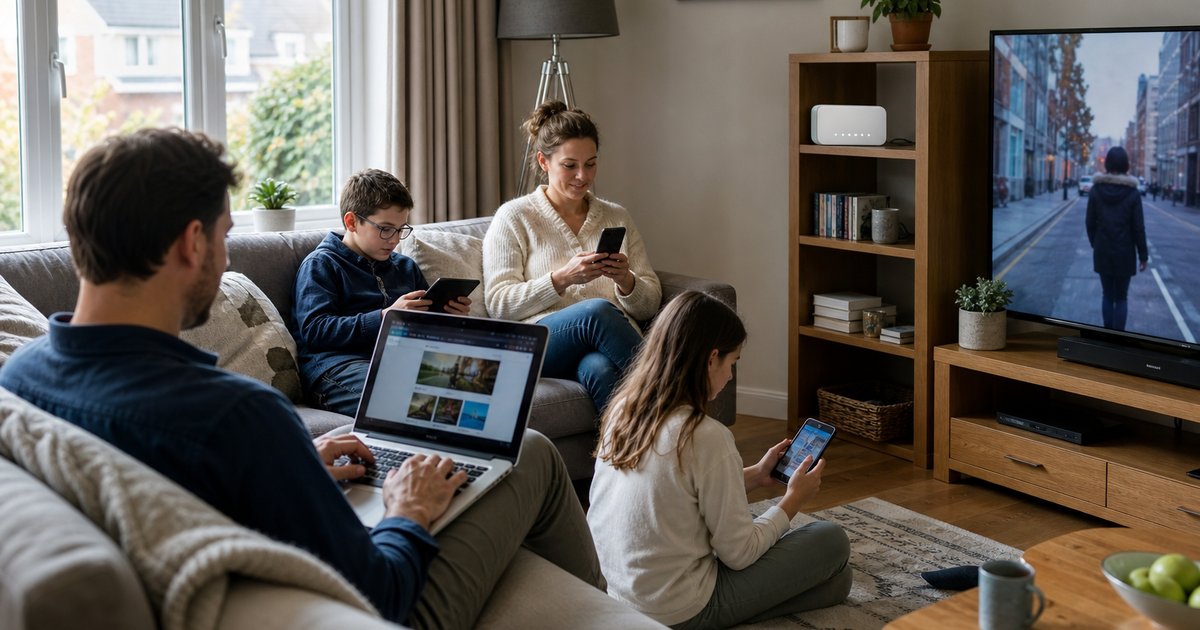
No, a VPN isn't strictly necessary at home if your Wi-Fi uses a strong password and your router firmware stays current, but it still adds real value. Your home broadband provider can see every site you visit unless that traffic is encrypted, and a VPN closes that gap. It matters more in households where several people share one connection and want separate privacy from the account holder, or where smart home devices add extra points of exposure on the network.
Is a VPN Necessary on a Phone?
Yes, a phone VPN matters as much as one on a laptop, arguably more, since mobile devices join unfamiliar Wi-Fi networks far more often: hotel Wi-Fi, airport lounges, and coffee shop hotspots. A mobile VPN, a virtual private network app built for iOS or Android, runs in the background and protects data the moment a phone joins a new network. Choose a provider with a dedicated iOS and Android app rather than relying on browser extensions alone, since extensions only protect traffic inside that one browser and leave apps like banking or email exposed.
How to Use a VPN
To use a VPN, download an app from a reputable provider, sign in, and pick a server location before going online. The steps stay the same across devices:
Choose a VPN provider and create an account.
Install the app on each device: phone, laptop, or tablet.
Open the app and select a server location, usually a UK server for everyday use.
Tap or click Connect. The app confirms once the encrypted tunnel is active.
Browse as normal. The VPN keeps running in the background until switched off.
Most apps include a kill switch, a feature that automatically cuts internet access if the VPN connection drops, so unprotected data never leaks during a brief disconnect.
How to Get a VPN
To get a VPN, compare providers on four factors before subscribing: a verified no-logs policy, AES-256 encryption, a kill switch, and enough simultaneous device connections for the household. Avoid free VPNs for anything involving banking or personal data. Many free services fund themselves by selling usage data, which defeats the purpose of using one. A paid VPN subscription in the UK typically costs between £2 and £8 a month on an annual plan, less than the cost of a single takeaway coffee each month.
What Is a VPN Provider?
A VPN provider is the company that operates the server network, apps, and encryption behind the service you subscribe to. The provider handles the technical side, server locations, protocol choice, uptime, so users only need to open an app and connect. Provider quality varies widely. A strong VPN provider publishes an independently audited no-logs policy, uses AES-256 encryption throughout, and runs native apps for every major operating system rather than a single browser extension. A weak provider may keep connection logs, throttle speeds on free tiers, or rely on outdated protocols that leave data less protected than advertised.
When comparing a VPN subscription, check three things beyond price: how many servers the provider runs in the UK, whether the no-logs claim has been independently verified, and how many devices one account covers. These three details matter more for day-to-day privacy than the headline monthly cost.
Is Using a VPN Legal in the UK?
Yes, using a VPN is completely legal in the UK for personal and business use. There's no restriction on VPN use itself, though using one to access pirated content or breach a service's terms can still create account-level or legal consequences separate from the VPN itself. Guidance from the National Cyber Security Centre and the Information Commissioner's Office both treat VPN use as a standard privacy tool rather than a workaround.
For more on securing your connection at home, see our guide to choosing the right broadband package, and if you're comparing SIM-only or pay-monthly plans, check our mobile deals comparison before you switch provider.
VPN on Different Devices
A VPN works slightly differently depending on where it's installed. Understanding these differences helps when deciding how many devices a subscription needs to cover:
Laptop or desktop: A native app protects all traffic leaving the machine, including background apps and email clients, not just the browser.
Phone or tablet: A mobile app runs continuously and reconnects automatically after switching between Wi-Fi and mobile data.
Router: Installing a VPN directly on a compatible router protects every device on the home network at once, including smart TVs and game consoles that don't support VPN apps individually.
Smart TV or streaming stick: A VPN here mainly helps with content access rather than privacy, since most streaming activity isn't sensitive by nature.
Choosing where to install a VPN comes down to which devices handle the most sensitive activity, banking apps and work logins first, entertainment devices last.
VPN Myths Worth Ignoring
Three claims come up often and deserve a direct answer. A VPN does not make anyone completely anonymous online, since logged-in accounts and cookies still identify a user regardless of IP address. A VPN does not guarantee faster streaming or gaming, since encryption adds a small overhead even when it avoids ISP throttling. A VPN is not only for people with something to hide; UK regulators including the Information Commissioner's Office treat everyday privacy protection as a normal, lawful use of the internet, not a red flag.
Frequently Asked Questions
What does VPN stand for?
VPN stands for Virtual Private Network, a service that encrypts internet traffic and hides a user's real IP address.
Does a VPN slow down internet speed?
Yes, a VPN can reduce speed slightly because of the encryption process and the extra server hop, though the difference is rarely noticeable on broadband connections above 50 Mbps (megabits per second).
Can I use a VPN on multiple devices?
Yes, most providers allow between 5 and 10 simultaneous connections per subscription, covering phones, laptops, tablets, and smart TVs on one account.
Do I need a VPN if I only use my phone at home?
No, a VPN isn't essential if home Wi-Fi is secured with a strong password and WPA3 encryption, though it still hides browsing activity from the ISP.
What's the difference between a VPN and a proxy?
A VPN encrypts all traffic leaving a device, while a proxy only reroutes traffic for a single app or browser, usually without encryption.
Can a VPN protect against hackers?
Yes, a VPN protects against hackers intercepting data on public Wi-Fi, though it can't remove malware already installed on a device or stop a phishing link from working.
Should I use a free VPN or a paid one?
A paid VPN is the safer choice for regular use, since free VPNs often log and sell browsing data or cap bandwidth and speed to push upgrades to a paid tier.