.jpg)
A mobile internet dongle is a small USB device that plugs into a laptop or computer and uses a SIM card to connect to a 4G or 5G mobile network for internet access. It works without a fixed broadband line, drawing data from the same masts a phone uses, and needs no router or landline installation. EE, Vodafone, O2, Three, and several UK virtual networks sell mobile internet dongles in 2026, aimed at commuters, students, and anyone who needs a temporary or backup connection. This guide explains what a mobile internet dongle is, how it works, and which UK network offers the best value in 2026.
What Is a Mobile Internet Dongle?
A mobile internet dongle is a compact USB modem that houses a SIM card and connects a single laptop or computer to a mobile network for internet access. It goes by several names, including a USB modem, an internet stick, and a mobile broadband stick, though the function remains the same across all versions. A mobile internet dongle differs from a WiFi adapter because a WiFi adapter only picks up an existing WiFi signal and cannot connect to a mobile network independently. Most dongles ship locked to the network that sold them, though a 4G or 5G dongle bought unlocked from a retailer accepts a SIM from any UK provider.
How Does a Mobile Internet Dongle Work?
A mobile internet dongle works by taking a SIM card fitted inside the device, plugging into a USB port, then letting the built-in modem chip connect to the nearest 4G or 5G mast. The dongle installs its driver software automatically the first time it connects, so no separate disc or download is needed on most Windows and macOS computers. Once connected, the dongle behaves like a mobile phone on the network, sending and receiving data through the same masts, and every megabyte used counts against the SIM's monthly allowance.
Mobile Dongle vs MiFi vs Mobile Hotspot: What's the Difference?
The main difference between a mobile dongle, a MiFi device, and a mobile hotspot is how many devices can connect at once: a dongle serves 1 device over USB, a MiFi creates a WiFi network for up to 10 devices, and a mobile hotspot turns an existing phone into a shared WiFi source. The table below compares the 3 options side by side.
Feature | Mobile Dongle | MiFi Device | Mobile Hotspot |
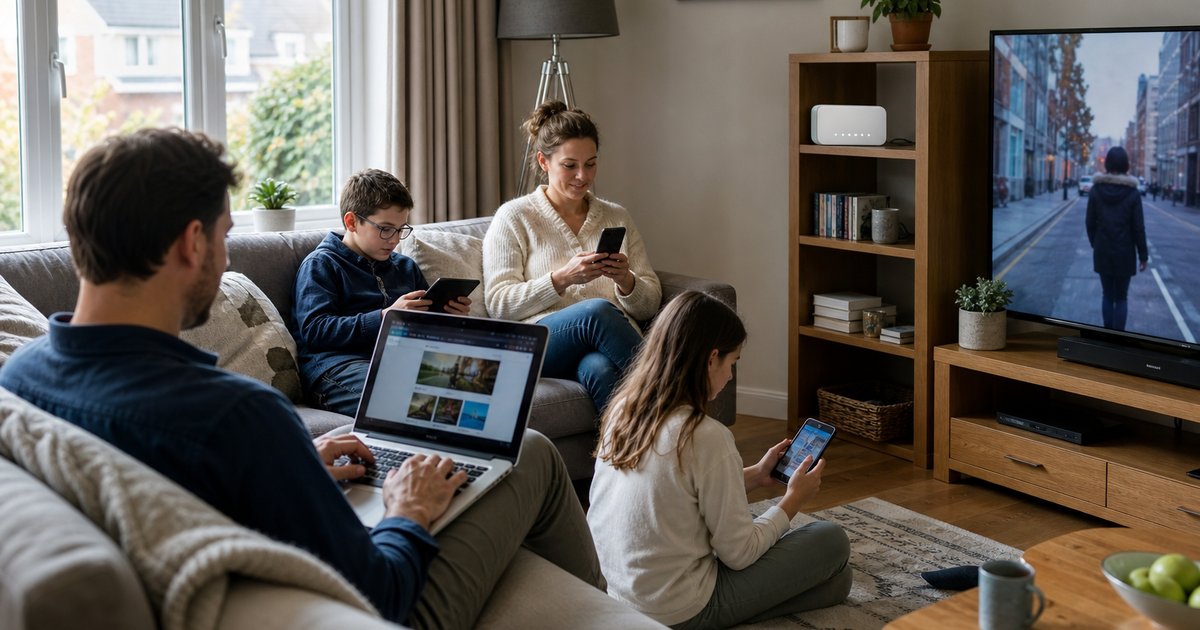
Connection type | USB port | WiFi | WiFi from a phone |
Devices supported | 1 | Up to 10 | Up to 10, phone dependent |
Own battery | No, draws power from host | Yes | Uses the phone's battery |
Best for | A single laptop user | Groups or families | Quick backup, no extra hardware |
Typical price | £20 to £50 | £30 to £150 | Free with an existing plan |
A mobile dongle suits a solo user who only needs 1 device online, while a MiFi device or a mobile hotspot suits a household or a group that needs several devices connected at once.
How to Set Up a Mobile Internet Dongle
To set up a mobile internet dongle, a user needs a SIM card, a free USB port, and a laptop or computer running a supported operating system, and then follows 5 steps.
Insert the SIM card into the dongle's card slot
Plug the dongle into an available USB port
Wait for the driver software to install automatically
Open the connection manager and enter the SIM's APN settings if prompted
Click Connect to start browsing
Most current dongles skip manual APN entry entirely, since the software detects the network automatically once the SIM connects.

Which UK Networks Sell Mobile Internet Dongles?
EE, Vodafone, O2, Three, and MVNOs including giffgaff and Smarty all sell mobile internet dongles or SIM-only data plans that work in an unlocked dongle in the UK in 2026. EE delivers the widest 4G coverage of the 4 major networks, reaching 99% of UK premises, with average 4G download speeds around 50 to 53Mbps. Three delivers the fastest average 5G speeds among UK networks, frequently exceeding 180 Mbps in independent testing, and sells unlimited-data SIMs from around £18 a month. Vodafone has expanded rural 4G coverage through the shared rural network programme, a joint investment by the 4 major UK operators to close mobile not-spots. O2 holds the lowest Ofcom complaint rate of the 4 networks, making it a dependable choice for straightforward, low-fuss data plans.
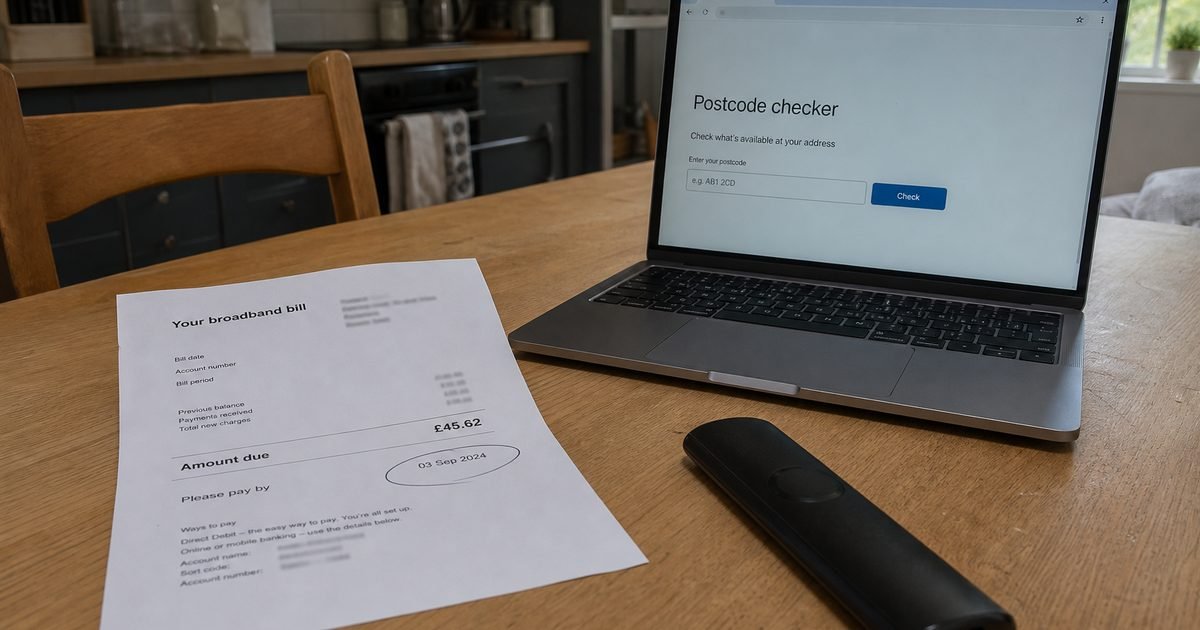
A dongle buyer should check Ofcom's mobile coverage checker for a specific postcode before committing to a network, since signal strength varies by street and building. Compare current mobile broadband deals and SIM only deals side by side to find a data plan that fits a dongle's usage.
5 Benefits of a Mobile Internet Dongle
Fast setup, connecting in under 5 minutes without an engineer visit
No fixed contract required, since many dongle SIMs run on 30 day rolling terms
Portable backup, working anywhere the host network has 4G or 5G coverage
Lower upfront cost than home broadband installation, since no landline or router purchase is needed
Easy network swapping, since most unlocked dongles accept any UK SIM
Are There Any Downsides to a Mobile Internet Dongle?
A mobile internet dongle carries 5 practical limitations worth knowing before buying.
Supports only 1 device at a time, unlike a MiFi device or home router that shares a connection across a household
Speed depends entirely on the mast signal strength, dropping sharply in rural areas or thick-walled buildings
Draws power from the host laptop, reducing battery life during long sessions
Data caps apply on most plans, and streaming or large downloads can exhaust an allowance quickly
Locked dongles restrict the user to 1 network, unless bought SIM-free from a retailer
Is a Mobile Dongle Fast Enough to Replace Home Broadband?
A mobile dongle can replace home broadband for light single device use, if the local mast delivers a strong 4G or 5G signal, though a dedicated 5G router performs better for households with several devices. EE and Three both post average speeds capable of handling video calls, browsing, and standard-definition streaming on 1 device, with EE averaging around 50 Mbps on 4G and Three averaging above 180 Mbps on 5G in good coverage areas. A household with multiple people streaming, gaming, or working from home at once quickly outgrows a single dongle, since it supports only 1 connected device, and a MiFi device or a 5G home router suits that situation better.
Mobile Dongle vs eSIM: Which Should You Choose?
A mobile dongle suits a laptop or older computer without built-in cellular support, while an eSIM suits a modern phone, tablet, or laptop that already has an embedded SIM chip installed. A dongle adds mobile connectivity to a device that lacks it, plugging in externally, while an eSIM works entirely inside the device with no extra hardware to carry, lose, or plug in. Anyone deciding between the 2 should check the guide to what an eSIM is and how it works for a full comparison of activation and device compatibility.
Mobile Dongle vs eSIM: Which Should You Choose?
A mobile dongle suits a laptop or older computer without built-in cellular support, while an eSIM suits a modern phone, tablet, or laptop that already has an embedded SIM chip installed. A dongle adds mobile connectivity to a device that lacks it, plugging in externally, while an eSIM works entirely inside the device with no extra hardware to carry, lose, or plug in. Anyone deciding between the 2 should check the guide to what an eSIM is and how it works for a full comparison of activation and device compatibility.
Common Uses for a Mobile Internet Dongle
A mobile internet dongle solves 5 everyday connectivity problems for UK users.
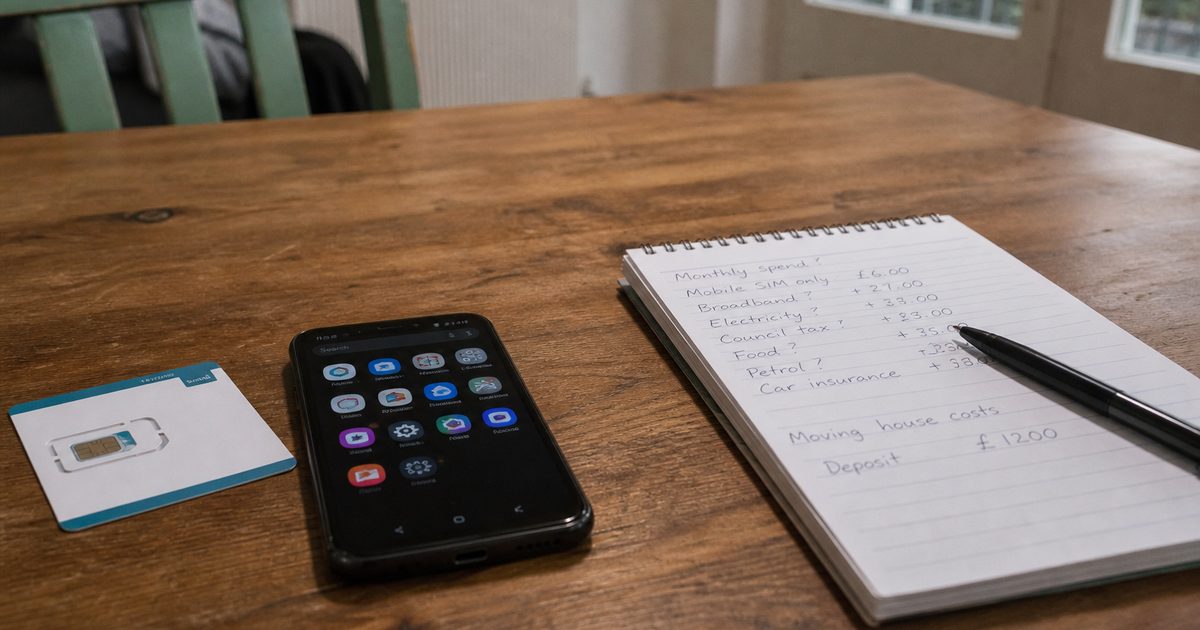
Home broadband delays: bridging the gap during installation waits of 2 to 4 weeks after moving house
Broadband outages: keeping a laptop online for essential emails or video calls when a fixed line drops
Student accommodation: covering short lets and university halls where a 12-month broadband contract does not fit the tenancy
Field and site work: supporting engineers, surveyors, and construction teams at locations without a fixed line
Short-term travel: providing UK data for a laptop during a business trip or a weekend away, without a hotel WiFi login
Is a Mobile Dongle Secure to Use?
Yes, a mobile dongle is secure to use, since it connects directly to a mobile network using the same encryption a smartphone uses, rather than an open public WiFi hotspot. Data travels over the mobile operator's private network instead of a shared router, which removes the risk of other users on the same WiFi network intercepting traffic. A user handling sensitive work files should still run a VPN (virtual private network) for an extra layer of encryption, particularly on older 3G or weak signal connections where encryption standards vary. Losing a dongle carries lower risk than losing a phone, since most models store no personal data locally beyond the SIM's network credentials, though a user should still report a lost SIM to the network provider immediately to block misuse.
Frequently Asked Questions
Does a mobile internet dongle need a SIM card?
Yes, every mobile internet dongle needs an active SIM card installed before connecting to a network, whether prepaid, pay monthly, or an existing SIM moved from another device.
Does a mobile dongle work with a Mac?
Yes, most current dongles support both Windows and macOS, though a few older USB dongles work only with Windows and require checking compatibility before buying.
Is a mobile dongle the same as a MiFi device?
No, a mobile dongle connects only 1 device through a USB port, while a MiFi device creates a WiFi network that several devices can join at once.
How much data does a mobile dongle come with?
A mobile dongle itself carries no data, since the SIM card inside determines the allowance, and UK plans in 2026 range from 20GB for around £10 a month to unlimited data from around £18 a month.
Can I use a mobile dongle abroad?
Yes, an unlocked dongle works abroad with a local SIM card or a UK SIM that includes roaming data, though speeds and coverage depend on the destination country's network.
How fast is a mobile internet dongle?
A mobile internet dongle reaches speeds of 30 to 60Mbps (megabits per second) on 4G and up to 180Mbps or higher on 5G, depending on network, signal strength, and distance from the nearest mast.
Is a mobile internet dongle worth it in 2026?
A mobile internet dongle is worth buying for single device backup connections, temporary housing, or light travel use, though a MiFi device or a 5G router suits multiple devices or full household broadband replacement better.
Final Thoughts
A mobile internet dongle turns a laptop's USB port into a mobile broadband connection, using the same 4G and 5G masts that power a smartphone, with no landline or router installation required. It fits a single device, a temporary address, or a backup connection best, while a household with several devices needs a MiFi device or a 5G router instead. Compare current mobile broadband deals or browse SIM only deals to find a dongle ready data plan that matches your usage and budget.