Last updated: Wednesday 11 November 2026. Prices below are as of 11 November 2026, for new customers, unless we say otherwise.
By: Switch Editorial Team, Switch Squid Ltd
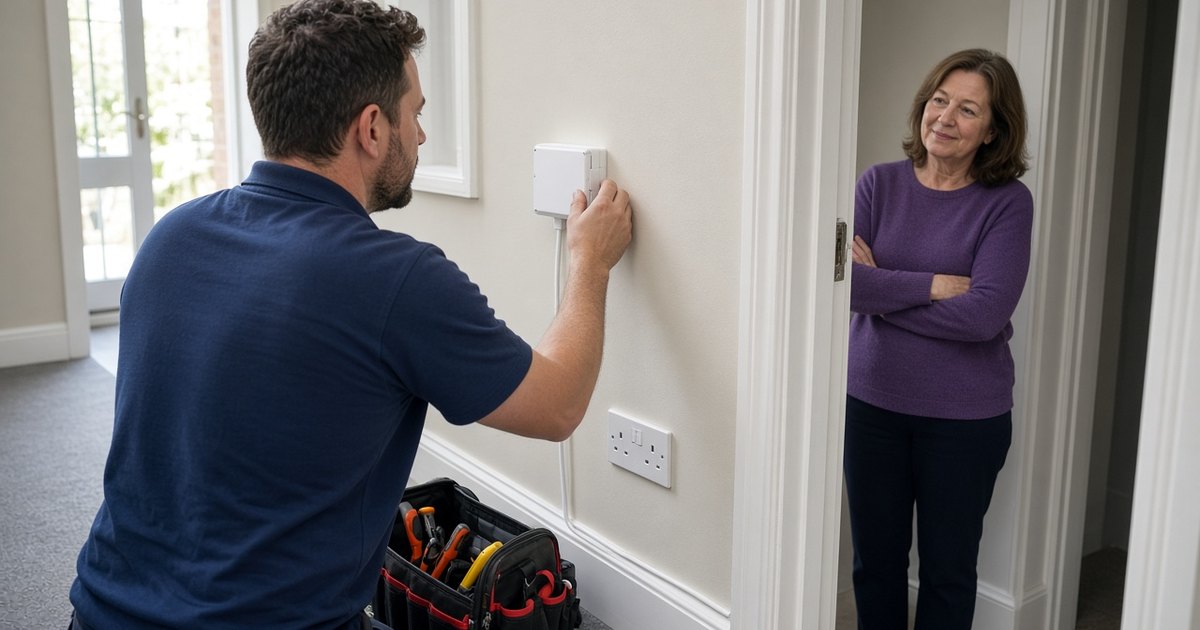
A full fibre installation on the Openreach network usually takes between one and four hours. An engineer runs fibre from a nearby pole or underground duct, drills one small hole to bring it inside, fits a small box called an ONT and tests the line.
If the engineer misses the appointment, providers in Ofcom’s automatic compensation scheme owe you £32.31, without you having to claim.
Someone over 18 has to be at home throughout, and renters need their landlord’s permission before any drilling. We explain each step below, along with BT Full Fibre 150 at £25.99 a month through our link, as of 11 November 2026, if you are ready to order. We may earn a commission if you buy through our links.
BT Full Fibre 150: £25.99 a month, £0 activation
- £25.99 a month on a 24-month contract, rising to £29.99 from March 2027 and £33.99 from March 2028, on BT’s offer page on 18 November 2026
- Faster BT packages show after you enter your postcode
- Main limitation: Openreach full fibre must reach your address
- We may earn a commission if you buy; it doesn’t change the price you pay.
At a glance
Typical installation: 1–4 hours
Wall entry: one small hole to bring the fibre inside
Renting? Get your landlord’s permission before drilling
Living in a flat? A wayleave may be needed
Missed appointment: £32.31 compensation from providers in Ofcom’s scheme
Late start: £6.46 for each calendar day of delay
How we count a year
If you join in November 2026, first-year cost is five months at the introductory price (November to March) plus seven months at the first risen price (April to October), plus any activation fee. Plans that stay at one price for at least twelve months are twelve times the monthly price. We don’t subtract leaving-fee credits from first-year cost, because they repay a fee rather than lowering your bill.
How BT compares with other providers
If you are still choosing a provider, these are the first-year costs for a November 2026 join, as of 11 November 2026, on each retailer’s own page.
Plan | Monthly now | First year if you join in November 2026 | Notes |
|---|---|---|---|
BT Full Fibre 150, through our link | £25.99 | £339.88 | Then £29.99 from March 2027. £0 activation. Check the upload speed in BT’s contract summary before you order. |
Virgin M125 broadband-only | Shown after you enter your postcode | Not shown without a postcode | Virgin shows the price after you enter your postcode. Cable network. |
toob home900 | £23 | £290 | Then £25 from April 2027. 900Mbps upload, Wi-Fi 7 router, where toob has built. |
YouFibre YOU 1000 | £24 | £288 | Fixed for 24 months on YouFibre’s 13–30 November 2026 offer. |
Each provider books its own installation. toob and YouFibre install on their own networks, so the engineer, route and timings can differ from Openreach.
Before installation day: what to sort out
A smooth installation starts before the engineer arrives. Once you order a full fibre package, your provider confirms an installation date and sends reminders. Openreach says a survey is sometimes carried out first if a property has unusual access requirements, for example a long private drive or a shared building.
Permission. If you rent, ask your landlord for permission now, not on the morning of the appointment. Openreach’s guidance for landlords is clear that renters need landlord approval for any drilling inside or outside. For single homes, the work typically involves running cable to a small junction box on an outside wall, fitting the ONT inside, and drilling a 12mm hole through the wall to connect the two. A short email to your landlord that explains this usually gets a quick yes.
Flats and shared buildings. In blocks of flats, Openreach usually needs the building owner or manager to sign a wayleave, which is a permission agreement, before it can survey the building and plan a route. That can add weeks, so if you live in a flat, find out whether your building already has full fibre in the communal areas before you order.
Where the router will go. Openreach’s installation checklist recommends thinking about the router position before the visit. The ONT and router sit close together, and both need power, so choose a spot near a double socket that is central enough for good Wi-Fi. Openreach specifically warns against a dark cupboard under the stairs. If you work from home, a spot where you can run an Ethernet cable to your desk is worth considering too.
Clear access. Make sure the engineer can reach the outside wall where the cable will arrive and the inside spot you have chosen. Move furniture, and keep pets out of the way.
What happens on the day, step by step
A call ahead. The engineer usually calls or texts before arriving to confirm the time and ask about access or parking.
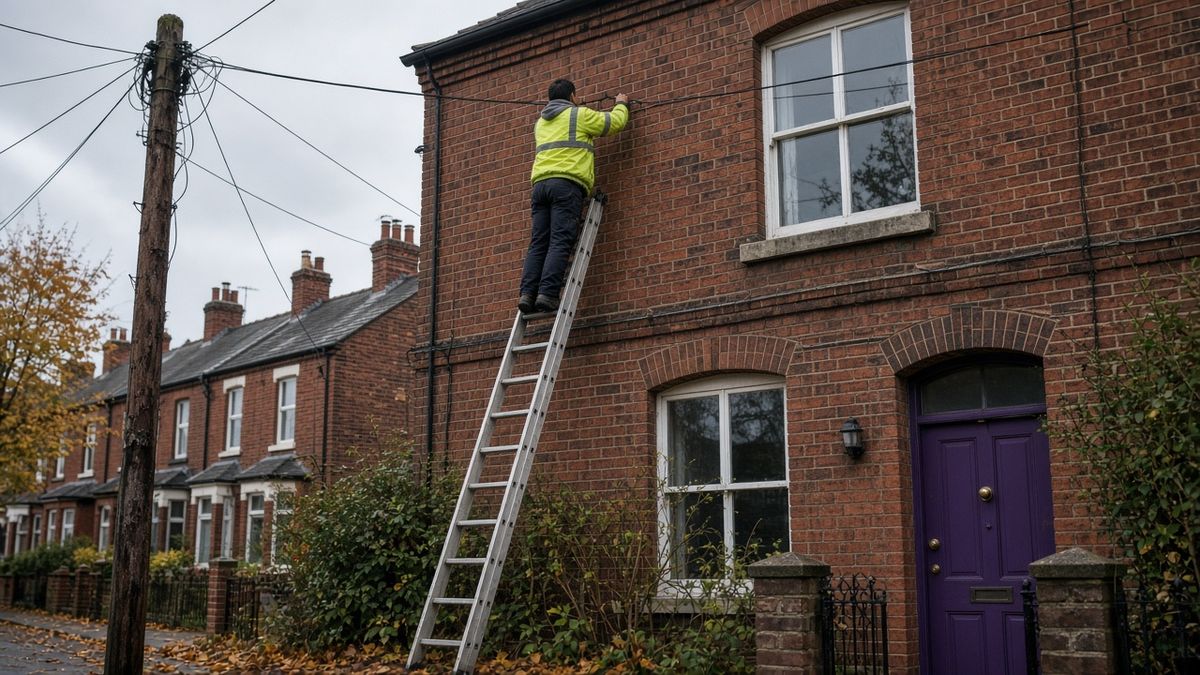
Agreeing the route. On arrival, the engineer talks you through the route the fibre will take from the nearest connection point, which could be an overhead pole or an underground duct, to your home.
Outside work. The fibre is run to a small junction box on an outside wall. Openreach says the engineer may drill a couple of temporary holes outside to secure safety equipment and will fill them afterwards.
Bringing the cable in. You agree where the small hole will be drilled through the wall. If digging or drilling is needed, the engineer will ask you to sign a permission-to-work form first.
Fitting the ONT. A small white box called an Optical Network Terminal is mounted on the inside wall. This is where the fibre ends and where your router connects.
Testing. The engineer tests the line to make sure it works before leaving, and tidies up.
Openreach’s guide to how full fibre is installed says most installations take between one and four hours. If extra work is needed, such as clearing a blocked duct, the visit can take longer. In a small number of cases, the engineer may need to return on another day to finish.
Full fibre installation at a glance
Stage | What happens | Typical time or rule | What you need to do | Source |
|---|---|---|---|---|
Order and booking | Provider confirms a date; a survey may come first for unusual access | Date set by your provider | Choose a date when an adult can be in all day | Openreach |
Permission | Landlord consent for drilling; wayleave for many blocks of flats | Before booking | Get written permission early | Openreach |
Engineer visit | Cable run from pole or duct, wall hole, ONT fitted, line tested | Usually 1 to 4 hours | Someone over 18 present throughout | Openreach |
Wall hole | One small hole to connect the outside box to the ONT | 12mm hole, in Openreach’s guidance for landlords | Agree the position with the engineer | Openreach |
Missed appointment | Engineer doesn’t turn up, or cancels with less than 24 hours’ notice | £32.31 per missed appointment | Nothing; scheme members pay it automatically | Ofcom |
Late start of service | Service not live on the promised date | £6.46 for each calendar day of delay | Nothing; it is credited within 30 days | Ofcom |
These are the amounts on Ofcom’s automatic compensation guide as of 11 November 2026, and they rise each year with inflation. They apply to providers signed up to the scheme, which include BT, EE, Hyperoptic, Plusnet, Sky, TalkTalk, Virgin Media and Vodafone. The compensation normally appears as a credit on your bill within 30 days.
Virgin Media M125
- Average download about 132Mbps on Virgin Media’s own network
- No setup fee with a QuickStart self-install pack
- Virgin shows the M125 price after you enter your postcode
After the engineer leaves: getting the best from your new line
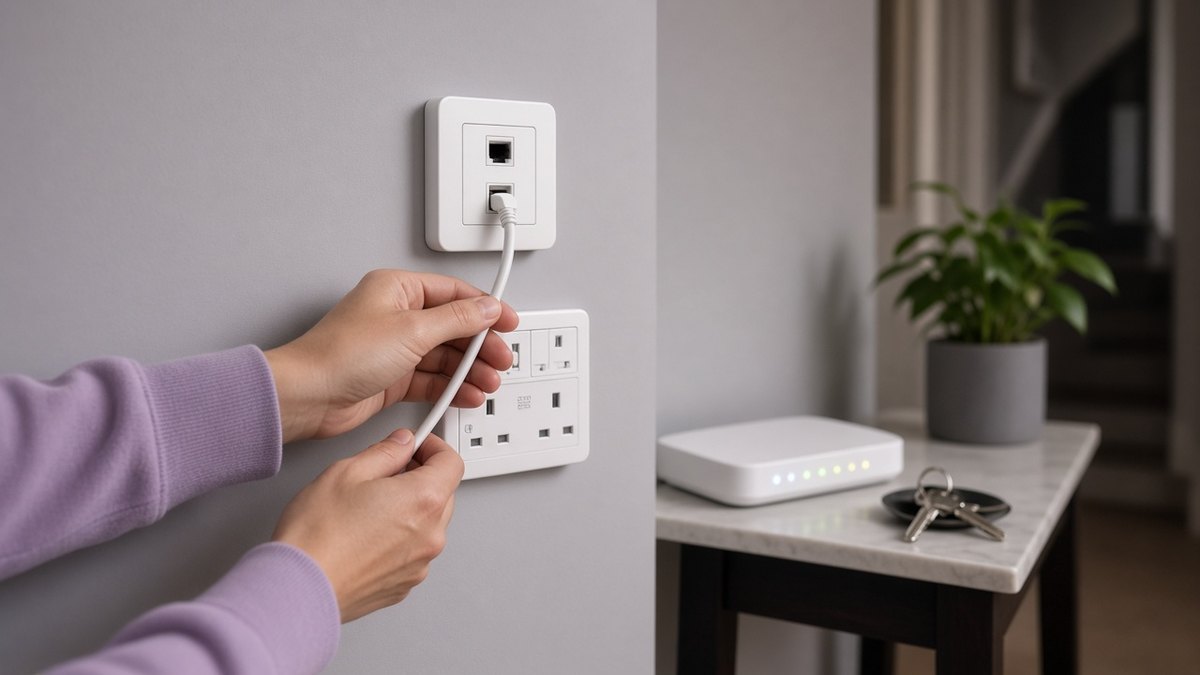
Plug the router into the ONT using the cable supplied, power it up and give it a few minutes to connect. Your provider’s instructions will say whether the router arrives before the visit or is set up on the day. Once you are online, run a speed test on a device connected by Ethernet to see what the line itself delivers. Wi-Fi results can be lower, especially in rooms far from the router.
If you are switching from an older copper or part-fibre service, make sure anything connected to your old phone socket still works. Many full fibre packages deliver home phone through the router rather than the wall socket. One Touch Switch now handles most moves between providers on different networks, so you usually only need to contact your new provider; our One Touch Switch guide explains the details.
A full fibre line removes the copper bottleneck, so it can feel like a big change. Think about Wi-Fi coverage too: in larger homes, a mesh system or a wired second access point does more for speed in far rooms than a faster package. Our guide to what broadband speed you need can help you choose the right plan.
Common installation problems and what to do
The engineer can’t get the cable through. Blocked or collapsed ducts are one of the main reasons an installation takes longer. Openreach may need to book a separate team to clear the duct, which can mean a second appointment. Ask the engineer what the next step is and when you should hear from your provider.
Nobody turns up. If your provider is in Ofcom’s scheme, you should be paid £32.31 automatically for a missed appointment, or for one cancelled with less than 24 hours’ notice. If the start date then slips, you are due £6.46 for each calendar day the service is late.
You weren’t in, or asked for a later date. Compensation doesn’t apply if you prevent the work going ahead, for example by not being home or by choosing a later appointment than the one offered. Keep the slot you agreed if you can.
The landlord says no. If permission is refused, the installation can’t go ahead. Ask whether a different cable route or entry point would be acceptable, or look at providers that already serve the building.
Fit summary
Good for ordering BT Full Fibre 150 now: homeowners, or renters with landlord permission, at addresses where Openreach full fibre is already available.
Consider waiting: flats still waiting for a building wayleave.
Plan ahead if: you work from home and can’t be without broadband; book the install a few weeks before your current contract ends.
Important conditions
Installation steps and times are Openreach’s published guidance; your visit may differ depending on your property.
Compensation amounts apply to providers in Ofcom’s automatic compensation scheme and rise each year with inflation.
Availability, set-up charges and contract length depend on your address and are shown at checkout.
You can cancel within 14 days of ordering under cooling-off rules, though you may pay for any service you have used. After that, leaving during the contract can mean an early exit fee.
New contracts must show any planned price rises in pounds and pence before you sign.
Renters need landlord permission before any drilling.
Our verdict
Full fibre already reaches your street and you have permission? Order now and book the install before your current contract ends.
Living in a flat? Ask whether the building has full fibre in the communal areas before you order.
Engineer missed the slot? You are due £32.31 automatically from scheme providers, plus £6.46 a day if the start date slips.
Gigaclear 300Mbps full fibre: first 3 months free, then £19 a month
- £0 a month for 3 months, then £19 a month on an 18-month minimum term, on Gigaclear’s packages page on 18 November 2026
- £0 activation, free expert set-up and an eero 7 router
- Main limitation: Gigaclear’s own rural network only, so check your postcode
FAQ
How long does a full fibre installation take?
Openreach says most full fibre installations take between one and four hours. Extra work, such as clearing a blocked duct, can make it longer. In a small number of cases the engineer has to come back on another day.
Do I need to be at home for a full fibre installation?
Yes. Someone over 18 must be present for the whole appointment to let the engineer in and agree where the cable and equipment go. If nobody is home, the installation won’t go ahead.
Will the engineer drill holes in my wall?
Usually one small hole is drilled to bring the fibre inside; Openreach’s landlord guidance describes it as 12mm. The engineer may also drill temporary holes outside to secure safety equipment and will fill them afterwards. You agree the position before any drilling starts.
Do I need my landlord’s permission for full fibre?
Yes, if you rent. Openreach says renters need landlord approval for any drilling inside or outside the property. In blocks of flats, the building owner may also need to sign a wayleave before work can begin.
What is an ONT?
An ONT, or Optical Network Terminal, is a small white box fitted on an inside wall where the fibre line ends. Your router plugs into it. It needs to be near a power socket, so plan its position before the visit.
What happens if the engineer misses the appointment?
Providers signed up to Ofcom’s automatic compensation scheme, including BT, pay £32.31 if an engineer misses an appointment or cancels with less than 24 hours’ notice. If your service then starts late, you get £6.46 for each calendar day of delay, credited to your bill within 30 days. Keep the appointment text or email, and ask for a new date at the same time.
Can I use my old router with full fibre?
Sometimes, but most providers supply a router designed for their service, and setting up your own can need extra settings. For the easiest start, use the router your provider sends and connect it to the ONT with the cable supplied.
How much is BT Full Fibre 150 in November 2026?
BT Full Fibre 150 is £25.99 a month through our link, as of 11 November 2026, then £29.99 from March 2027 and £33.99 from March 2028. A November join costs £339.88 in the first year, with £0 activation.
Compare at your postcode
Prices only apply where the network reaches. Confirm the contract summary at your address on the retailer’s own page, or compare broadband deals at your postcode.
Sources
BT Full Fibre 150 through our link, as of 11 November 2026 (£25.99 then £29.99 from March 2027 and £33.99 from March 2028; first year £339.88; £0 activation). On bt.com, as of 18 November 2026, Full Fibre 150 is £26.99 a month, then £30.99 from March 2027 and £34.99 from March 2028. Full Fibre 900 is £29.99 a month, then £33.99 from 31 March 2027 and £37.99 from 31 March 2028, with a 110Mbps average upload; first year £387.88.
Virgin’s M125 page, as of 18 November 2026 (Virgin shows the M125 price after you enter your postcode; no setup fee).
toob home900 on toob.co.uk, as of 11 November 2026 (£23, then £25 from April 2027 and £27 from April 2028; first year £290).
YouFibre offer terms on youfibre.com, as of 18 November 2026 (13–30 November 2026: You 200 £22, You 1000 £24, You 2000 £34.99, You 8000 £50, each fixed for the 24-month term, installation included).
Ofcom’s automatic compensation guide, as of 11 November 2026 (£32.31 per missed engineer appointment; £10.34 a day when a fault is not fixed after two full working days; £6.46 a day for a late start; BT, EE, Sky, Virgin Media, Hyperoptic and others are signed up).
Openreach: how full fibre is installed, installation checklist and guidance for landlords.